Canon Image Class LBP 6030w A4 Black Laser Printer Guide

Introduction
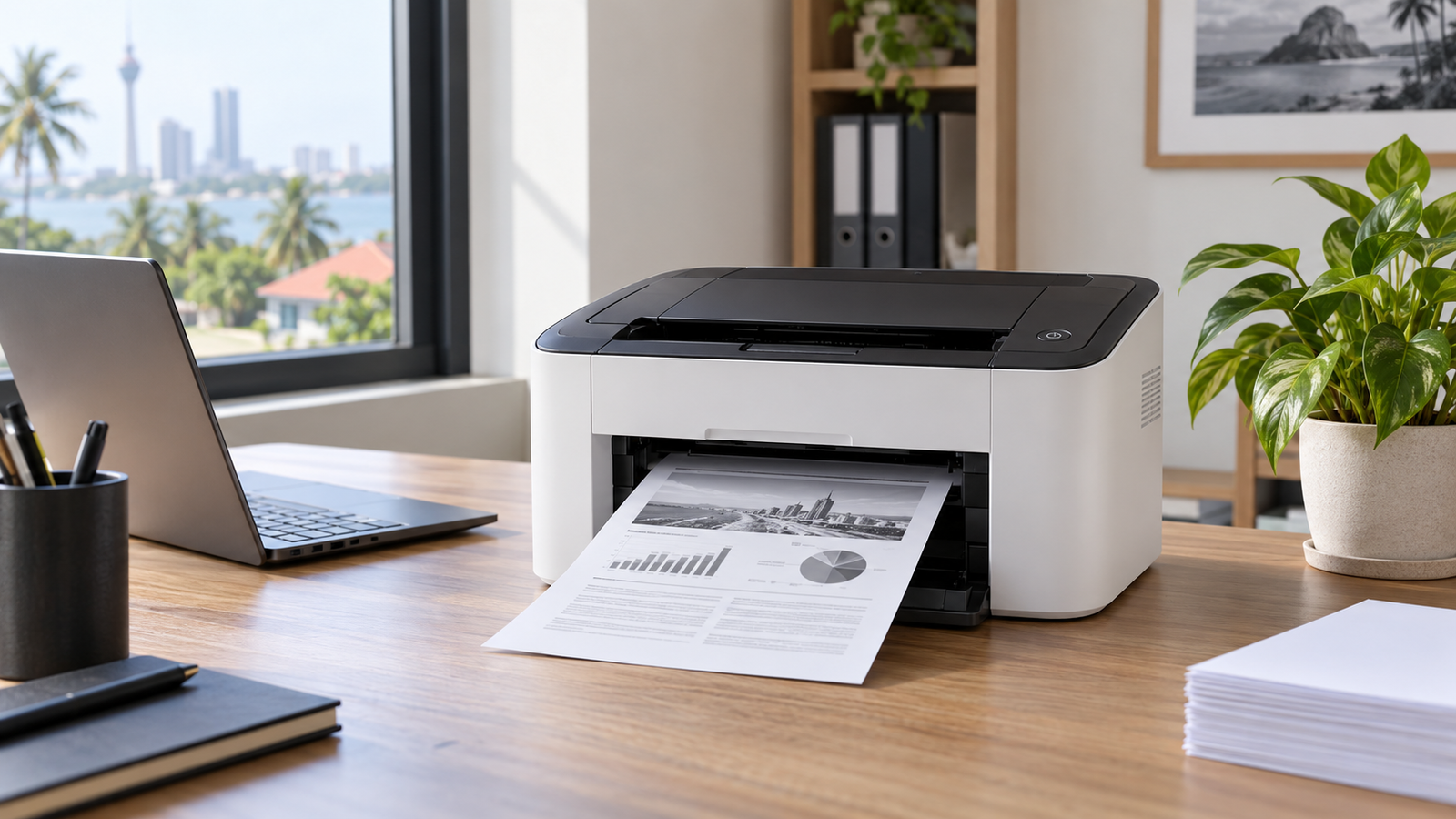
The Canon Image Class LBP 6030w A4 Black Laser Printer is a compact, single-function monochrome printer for people who mainly need crisp black text, dependable A4 output and the convenience of Wi-Fi. In Sri Lanka, that combination can suit a home office, tuition teacher, professional practice, small shop or administrative desk where documents matter more than colour photographs.
Choosing a printer is not simply a matter of comparing the purchase price. You also need to consider print volume, toner availability, paper handling, connectivity, power conditions, space and the type of work you produce. A low-cost device may become inconvenient if it lacks the functions you use every week. Conversely, paying for scanning, colour or automatic duplex printing makes little sense when your real need is straightforward black-and-white output.
This guide examines the LBP6030w with a Sri Lankan buyer in mind. It separates official specifications from practical judgement, explains setup and running-cost calculations, and shows where this model fits—and where another printer category may be better. Product availability, warranty terms and prices can change, so confirm those details with the seller before purchasing.
Featured definition
The Canon Image Class LBP 6030w A4 Black Laser Printer is a compact, single-function monochrome laser printer with USB and Wi-Fi connectivity. It prints up to 18 A4 pages per minute and is designed for users who need clear black documents rather than colour printing, scanning or copying.
Table of contents
Quick verdict on the Canon Image Class LBP 6030w
The LBP6030w makes the most sense when your work is dominated by invoices, letters, lesson notes, forms, reports and other black-text documents. Canon specifies an A4 print speed of up to 18 pages per minute, a first-print time of about 7.8 seconds and a 150-sheet input tray. Those figures indicate a machine designed for short, regular office jobs rather than a central printer serving a large team.
Its strongest practical advantage is simplicity. It prints, but it does not scan or copy. That narrower role reduces clutter in the workflow when you already scan with another device or rarely need copies. Wi-Fi also lets several authorised devices use the printer without moving a USB cable, although initial network setup requires the correct router settings and driver.
However, the absence of automatic two-sided printing is important. Duplex jobs must be handled manually by reinserting pages in the correct orientation. It is also a monochrome model, so anyone producing coloured charts, marketing materials, school projects or photographs should consider a colour-capable alternative. Finally, buyers should verify current operating-system support and the local source of genuine or compatible consumables before committing.
Canon LBP6030w key specifications explained
Canon publishes the following core figures for the regional LBP6030w model. The manufacturer notes that specifications and availability may change, so the official product page should remain the final reference. According to Canon South and Southeast Asia, the printer uses monochrome laser beam printing and supports Wi-Fi 802.11b/g/n as well as high-speed USB 2.0.
| Feature | Official specification | Practical meaning |
|---|---|---|
| Print function | Black-and-white printing only | Best for text documents; no scan, copy or colour output. |
| A4 print speed | Up to 18 ppm | Suitable for small batches and ordinary desk work. |
| Resolution | 600 × 600 dpi; enhanced quality equivalent up to 2400 × 600 dpi | Sharp text and clean line graphics when source files are good. |
| First print | About 7.8 seconds | Short wait for one-page jobs after the printer is ready. |
| Input and output | 150-sheet input; 100-sheet face-down output | Convenient for moderate jobs, but not a high-capacity workgroup device. |
| Connectivity | USB 2.0 and Wi-Fi 802.11b/g/n | Use a direct wired connection or share it on a compatible wireless network. |
| Recommended volume | 200–800 pages per month | A useful guide for matching the printer to a realistic workload. |
| Toner | Cartridge 325; rated 1,600 pages; bundled cartridge rated 700 pages | Plan replacement costs using realistic coverage, not only headline yield. |
| Size and weight | 364 × 249 × 199 mm; about 5 kg without cartridge | Compact enough for many desks and shelves with ventilation clearance. |
How this monochrome laser printer works
A laser printer does not spray liquid ink onto paper. Instead, it uses an electro-photographic process. A charged imaging drum receives an electrostatic pattern corresponding to the page. Toner particles adhere to that pattern, transfer to the sheet and are fused by heat and pressure. This process is particularly effective for consistent black text and line work.
Canon describes an on-demand fixing system that warms quickly instead of keeping a conventional fusing assembly continuously hot. For the user, the practical benefit is a shorter path from idle to printed page. The printer also offers sleep and automatic shutdown functions. These features can reduce unnecessary energy use between jobs, although real consumption depends on settings, wireless use and print frequency.
The Cartridge 325 combines toner and several imaging components in one replaceable unit. That arrangement simplifies routine replacement because the user is not managing separate toner and drum schedules. Nevertheless, cartridge handling still matters: keep it sealed until needed, avoid prolonged bright-light exposure and follow the illustrated instructions rather than touching sensitive surfaces.
Who should consider the Canon Image Class LBP 6030w in Sri Lanka
Home offices and freelancers
A freelancer who prints proposals, invoices, contracts or courier labels may value fast black output without paying for colour functions. Wi-Fi is helpful when work moves between a laptop and phone, but confirm that the required mobile workflow is supported before purchase.
Tuition teachers and students
The printer can handle lesson notes, past papers, drafts and reading packs in modest quantities. However, manual duplexing takes extra attention, and a household needing frequent scanning may prefer a multifunction device.
Small retailers and service businesses
A shop or service counter can use it for quotations, invoices, job sheets and internal forms. The compact body suits limited counters, but the recommended monthly range should be compared with actual receipts and paperwork.
Professional desks
Accountants, consultants and administrative staff often prioritise sharp text and predictable output. Sensitive work should also be protected through normal device, Wi-Fi and document-handling controls; a printer itself is not a security policy.
Users who should choose differently
Choose an ink tank or colour laser model if colour is essential. Choose a multifunction printer if scanning and copying are routine. For much larger teams or sustained high volume, look for automatic duplexing, Ethernet, larger trays and stronger fleet-management features.
Wireless and USB setup for the Canon LBP6030w
Set aside enough time for the first installation. Wireless printing depends on the printer, router, computer or mobile device, driver and network security settings all agreeing. A disciplined setup prevents many “offline printer” problems later.
- Unpack and inspect: Remove every transport tape and protective insert. Install the cartridge exactly as shown in the supplied guide, load dry A4 paper and place the printer on a stable surface.
- Choose the connection: Use USB for one nearby computer and the simplest troubleshooting path. Use Wi-Fi when several devices need access or a cable is impractical.
- Check the wireless network: Canon lists 802.11b/g/n support. Confirm that your router provides a compatible band and security mode. Keep the network name and password available.
- Install the current driver: Download the correct driver for your operating system from Canon support rather than relying on an unknown third-party package. Older printed compatibility lists may not represent current driver availability.
- Complete WPS or guided setup: If your router supports WPS and your security policy allows it, the printer’s WPS method can simplify pairing. Otherwise, follow Canon’s guided network installation.
- Print a test page: Check alignment, text sharpness and network stability. Then set paper size to A4 and confirm the correct default printer on each device.
- Document the configuration: Record the printer name and basic connection details for your household or office. Avoid writing the Wi-Fi password on the printer.
For current drivers, manuals and compatibility information, use the official Canon support portal and select the exact model and operating system.
Paper handling, speed and print quality
The 150-sheet input tray is adequate for everyday A4 work. It reduces the need to refill after every short document while keeping the printer compact. The 100-sheet output capacity should be respected; unattended printing beyond the tray’s practical limit can create disorder or jams.
Canon lists support for common sizes including A4, B5, A5, Letter, Legal, envelopes and defined custom dimensions. It also specifies paper weights from 60 to 163 g/m². Those numbers describe supported ranges, not a promise that every coated, textured, pre-printed or heat-sensitive stock will feed perfectly. Use media intended for laser printers because the fuser applies heat.
For normal office documents, 600 × 600 dpi is sufficient for readable type, tables and line graphics. Image refinement can improve perceived detail, but a monochrome office laser is not a photo printer. Fine gradients may show banding or halftone patterns, and colour source files will be converted to greyscale. Always test critical forms and branded documents before producing a batch.
The stated rate of up to 18 A4 pages per minute is measured under controlled conditions. The first page, complex files, wireless transfer, driver processing and mixed paper can affect observed performance. For buyers, consistency on their usual documents is more meaningful than expecting every job to match a headline maximum.
Toner yield and real running costs in Sri Lanka
The standard Cartridge 325 is rated at 1,600 pages using the ISO/IEC 19752 method, while Canon lists the bundled starter cartridge at 700 pages. Yield testing provides a standardised comparison, but your results will vary with page coverage, graphics, print density, environmental conditions and cleaning cycles.
Do not calculate cost per page from the printer price alone. A useful estimate is the replacement toner price divided by the realistic number of pages you expect from it, plus paper and a reasonable allowance for electricity and service. For example, if a cartridge costs LKR X and your actual yield is Y pages, toner cost per page is X ÷ Y. Replace X and Y with current, verified values rather than copying an old online price.
Coverage is the hidden variable. A page containing a short letter uses far less toner than a dark presentation handout. Draft settings may save toner on internal work, while contracts and client-facing documents may justify normal density. Printing unnecessary email chains or blank-heavy layouts still wastes paper even when toner use is low.
Ask the seller whether the cartridge is genuine Canon, an independently remanufactured unit or a third-party compatible product. Each option has different price, consistency and warranty implications. Obtain the exact model, invoice and warranty terms in writing, and never assume that the cheapest cartridge will deliver the lowest reliable cost per usable page.
Power, placement and maintenance
Canon specifies a 220–240 V, 50/60 Hz power requirement for the regional model, which aligns with ordinary Sri Lankan mains supply in principle. Still, unstable power, poor wiring and unsuitable extension boards can damage office equipment or interrupt jobs. Use a properly earthed outlet and seek qualified electrical advice if the premises has recurring voltage problems. Do not treat a small computer UPS as automatically suitable for a laser printer: the fuser creates a high momentary load, and the UPS manufacturer’s rating and instructions matter.
Place the printer where air can circulate and paper can travel without obstruction. Canon lists an operating range of 10–30°C and 20–80% relative humidity without condensation. Sri Lankan rooms may exceed comfortable humidity, especially during monsoon periods or when closed for long intervals. Store paper sealed and dry; damp or curled sheets are a common source of unreliable feeding and poor output.
Routine care should be gentle. Switch off and unplug the printer before cleaning as directed by the manual. Wipe accessible exterior surfaces with an appropriate soft cloth, remove paper fragments carefully and avoid liquids inside the device. If repeated marks, jams, unusual sounds or error lights continue after basic checks, use authorised technical support rather than forcing mechanisms.
Keep spare paper away from windows, floors and damp walls. Fan only when the paper manufacturer recommends it, align the stack and do not overfill the tray. When clearing a jam, pull in the documented direction and remember that internal fuser areas may be hot.
Canon LBP6030w compared with common alternatives
| Criterion | LBP6030w monochrome laser | Ink tank all-in-one | Larger office laser |
|---|---|---|---|
| Best fit | Regular black documents at one desk or small team | Colour output plus scan/copy needs | Higher-volume shared office use |
| Colour | No | Yes on colour models | Depends on model |
| Scan and copy | No | Usually yes | Often available on multifunction models |
| Automatic duplex | No; manual workflow | Varies | Common on business models |
| Connection | USB and Wi-Fi | Varies by model | Often USB, Wi-Fi and/or Ethernet |
| Consumable logic | Toner cartridge | Refillable ink bottles | Higher-yield toner and separate components may apply |
| Footprint | Compact | Usually moderate | Often larger and heavier |
| Main trade-off | Simple and fast text output, fewer functions | More functions and colour, ink-use habits matter | More capacity and features at higher cost/space |
The right choice follows the workload. If you print colour weekly, scan forms daily or regularly produce double-sided packs, another category will save time. If you mainly need sharp black A4 pages from a few devices, the LBP6030w’s focused design may be more economical and easier to manage.
Numbered buying checklist for Sri Lankan shoppers
- Count your average black-and-white pages for at least one normal month. Compare the result with Canon’s recommended 200–800 pages per month rather than the maximum duty-cycle figure.
- Confirm that print-only operation is enough. List how often you scan, copy, print colour and produce double-sided documents.
- Verify the exact model suffix, voltage, included accessories and starter-toner status on the quotation or invoice.
- Check stock and current pricing for Cartridge 325 from a dependable source. Ask whether alternatives affect the printer warranty.
- Confirm driver support for every computer and mobile device you intend to use. Do not assume an old compatibility list guarantees support for a new operating system.
- Inspect your router. Confirm compatible Wi-Fi bands and security, or plan to use USB.
- Measure the desk and allow extra room for paper loading, output, cable bends and ventilation.
- Ask for written warranty duration, covered parts, service location, turnaround expectations and proof-of-purchase requirements.
- Print a sample of your own document where possible. Check small type, tables, barcodes, grey graphics and envelope feeding if those are important.
- Compare total ownership cost, not only the advertised printer price. Include toner, paper, power protection, delivery and likely service.
- Review the return policy before opening consumables or discarding packaging.
- Keep the invoice, serial-number record, warranty information and setup notes together after purchase.
People also ask about the Canon Image Class LBP 6030w
Does the Canon LBP6030w print in colour?
No. It is a monochrome laser printer intended for black-and-white documents. Colour files can be printed only as greyscale, so it is not suitable when accurate colour output is required.
Can the Canon LBP6030w scan or photocopy?
No. It is a single-function printer. If scanning and copying are frequent tasks, compare it with a multifunction laser or ink tank model before buying.
Does the Canon LBP6030w have Wi-Fi?
Yes. Canon specifies Wi-Fi 802.11b/g/n and a WPS setup method, alongside USB 2.0. Compatibility still depends on router configuration, device software and the current driver.
Can it print on both sides automatically?
No automatic duplex function is listed. Two-sided documents require manual duplexing, where the first side is printed and the sheets are reloaded in the correct order and orientation.
What toner does the Canon LBP6030w use?
Canon lists Cartridge 325, rated for 1,600 pages under ISO/IEC 19752, with a 700-page rated bundled cartridge. Actual yield varies with page coverage and usage.
Expert Q&A
Is the LBP6030w appropriate for 1,500 pages every month?
That workload exceeds Canon’s recommended 200–800-page monthly range, even though the published duty-cycle comparison is higher. A business printing 1,500 pages consistently should compare more robust models with larger trays, automatic duplexing and consumables designed for higher volume.
How should I compare genuine and compatible toner?
Compare page consistency, defect and leakage rates, supplier accountability, warranty terms and actual yield—not only price. Ask for an invoice identifying the cartridge type and confirm whether its use affects any printer warranty.
Will Wi-Fi printing work during an internet outage?
Often, local network printing can continue if the router and local Wi-Fi network remain operating, because printing does not necessarily require internet access. However, cloud-based services or app functions may fail, and the exact result depends on your setup.
Why might printed grey graphics look different from the screen?
The printer converts colour and continuous tones into monochrome patterns. Screen calibration, application settings, driver choices and toner density can all change the result. Use a test print and adjust the source design for contrast.
What should I check if the printer repeatedly goes offline?
Confirm power and indicator status, then check whether the computer and printer are on the intended network. Restart the print queue and router only when appropriate, verify the selected printer and driver, and consider assigning a stable network configuration according to router and Canon guidance.
Conclusion
The Canon Image Class LBP 6030w A4 Black Laser Printer is a focused device: compact monochrome output, USB and wireless connectivity, quick first-page performance and straightforward cartridge replacement. For Sri Lankan homes and small offices that regularly print black A4 documents, those strengths can be more useful than a long list of rarely used functions.
Its limitations are equally clear. It does not print colour, scan, copy or automatically duplex. Therefore, the best buying decision begins with your monthly page count and everyday workflow. Verify current driver support, toner supply, warranty and seller terms, then compare the full running cost with a multifunction ink tank or larger office laser if your needs extend beyond basic printing.
To compare the product listing and other printer options, visit Innovink’s printer and office technology selection and confirm the latest stock, specifications and service terms before ordering.
Sources
Product specifications and feature descriptions: Canon South and Southeast Asia, imageCLASS LBP6030w specifications. Driver and manual verification: Canon Asia Support. Toner yield is stated using ISO/IEC 19752 as referenced by Canon.